
🚀 Quick Start
🧰 Installation Guide
✅ Requirements
Before getting started, please make sure you have the following:
- 💻 A computer running Windows 7 or later (Windows 10 / 11 recommended)
- 🌐 A VPN or network accelerator is recommended for better stability
⬇️ Download
Download the installer from any of the following links:
- Download Link ①: https://download.shandian.org
- Download Link ②: https://shandiann.lanzoup.com/s/shandiansoft
💡 Tip
If the links above are not accessible, please contact customer support to obtain the latest available download link.
🛠 Installation
Double‑click the downloaded installer and follow the setup wizard.
Simply keep clicking “Next” until the installation is complete.
🔐 Registration & Activation
📝 Register an Account
After installation, double‑click the ShanDian desktop icon to launch the app.
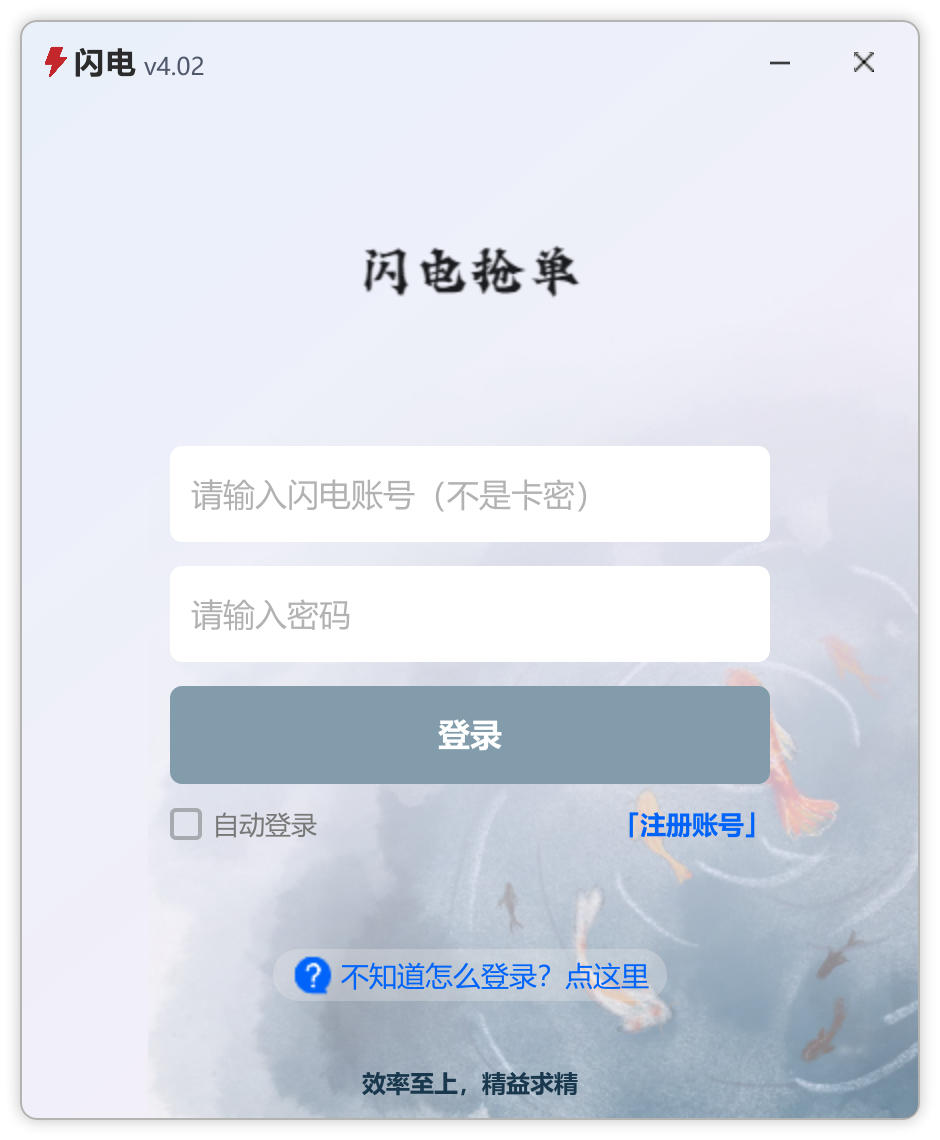
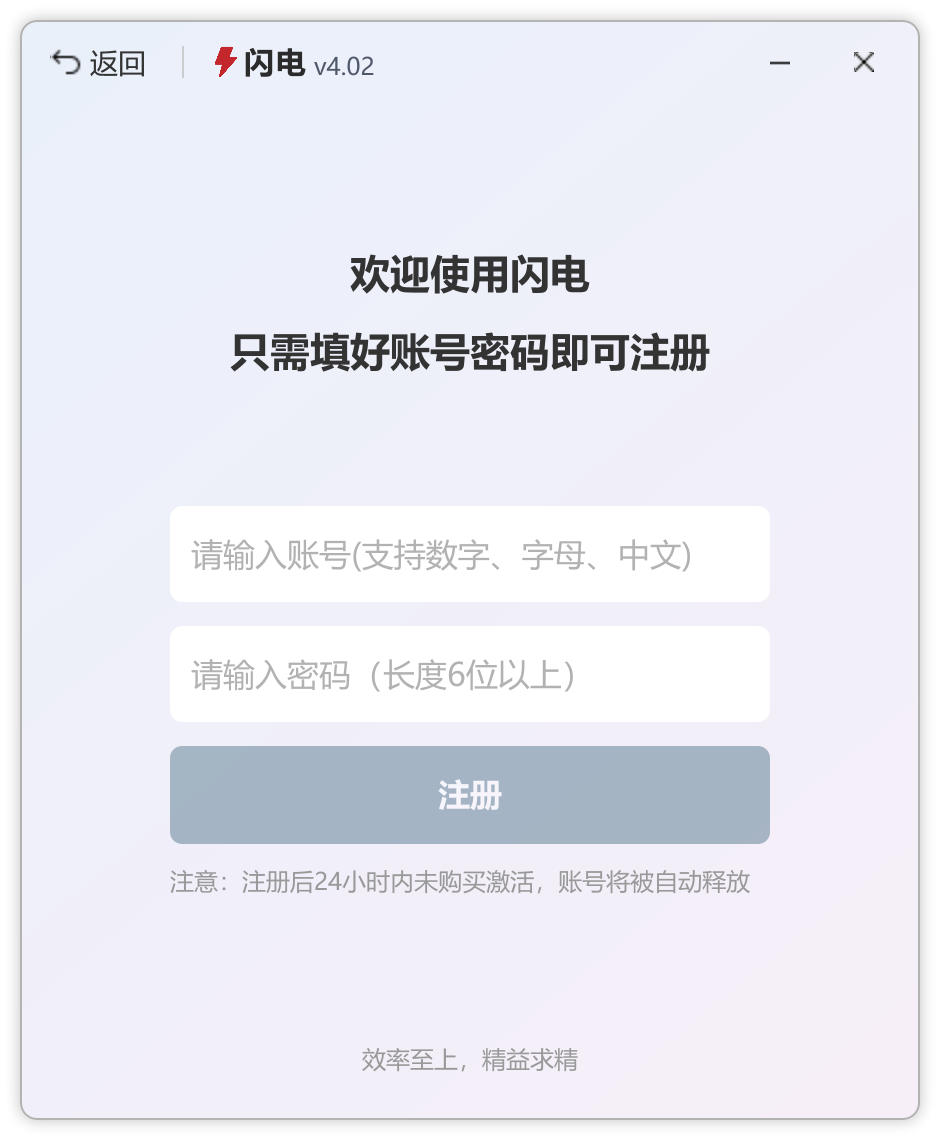
On the login screen (Image 1), click “Register” to open the registration page (Image 2).
Enter your desired username and password, then click Register to complete the process.
⚠️ Important
- If you already have an account, you can log in directly
- Use a strong username and password for better security
- Accounts that are not activated within 24 hours after registration will be automatically removed
🔓 Activate Your Account
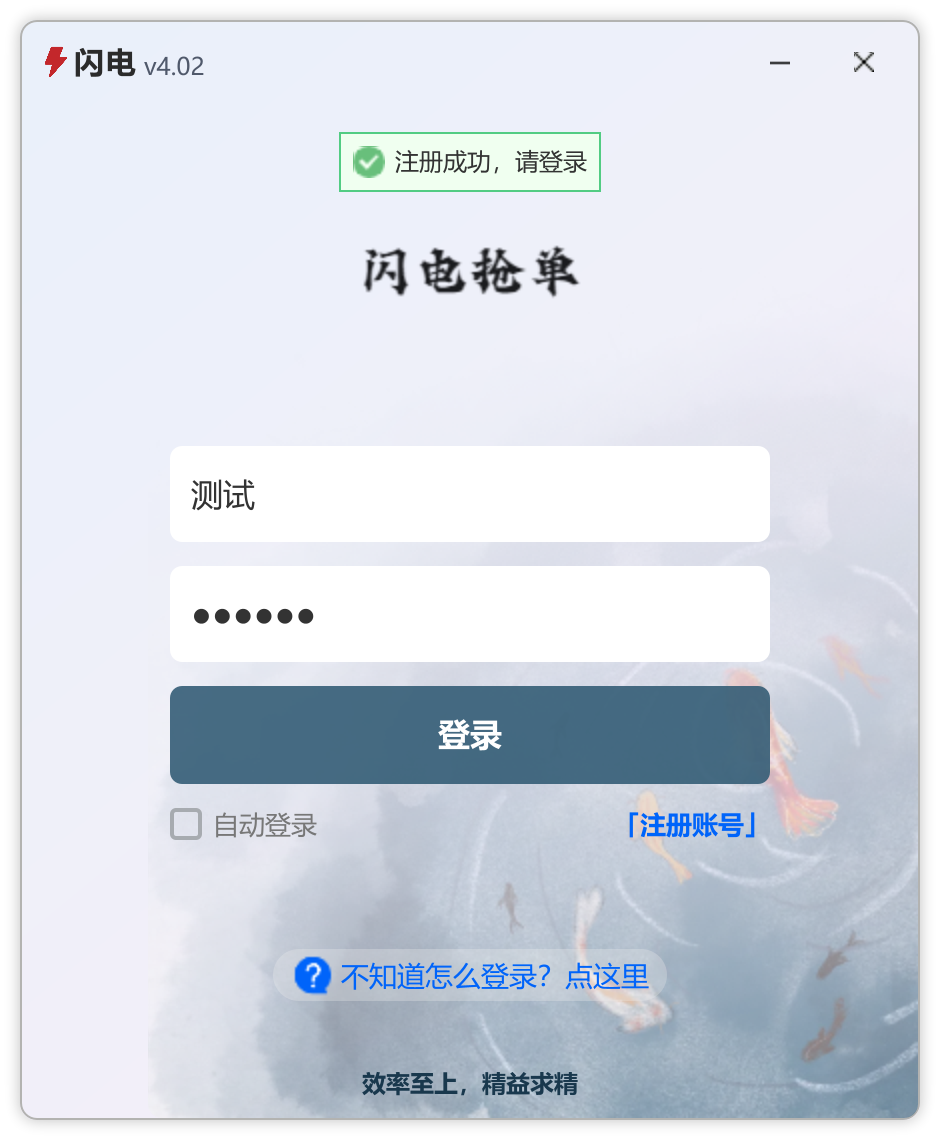
Log in using your registered account (Image 1).
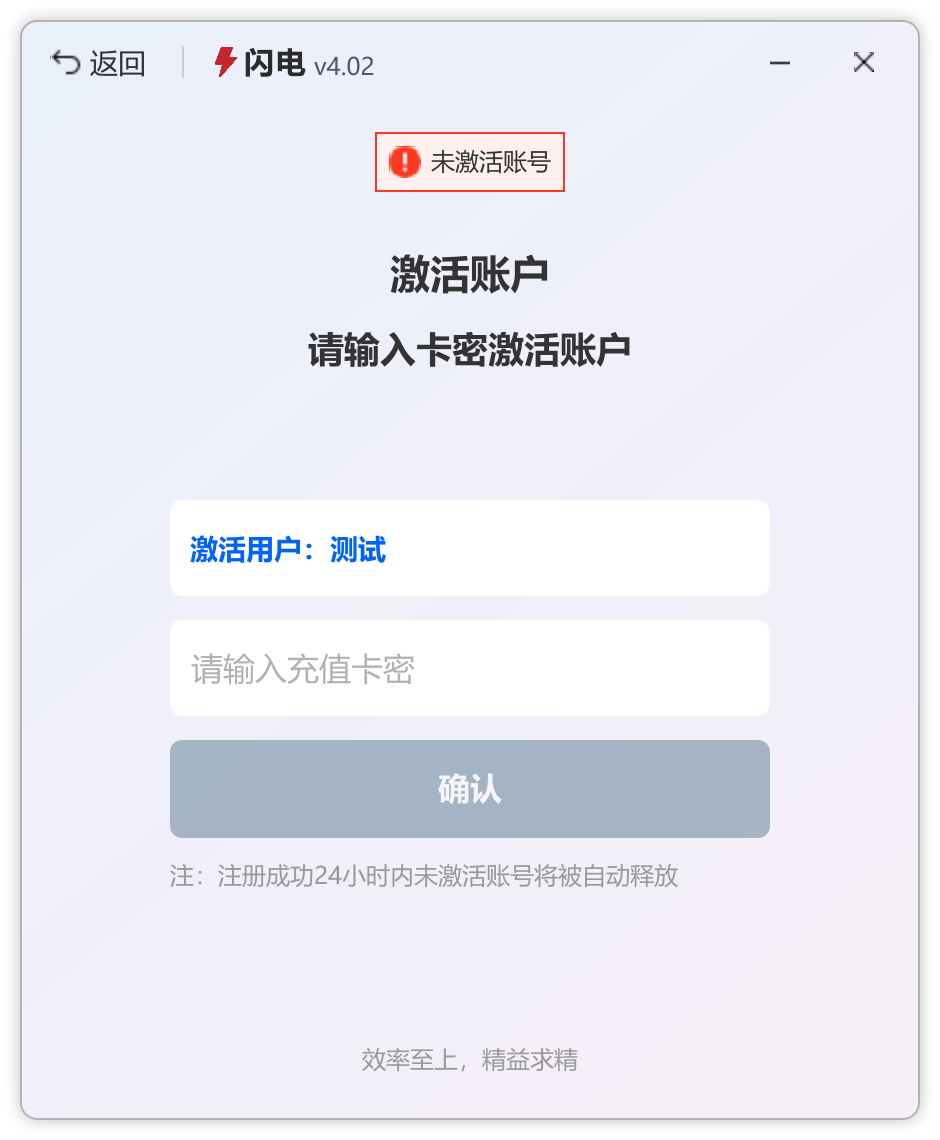
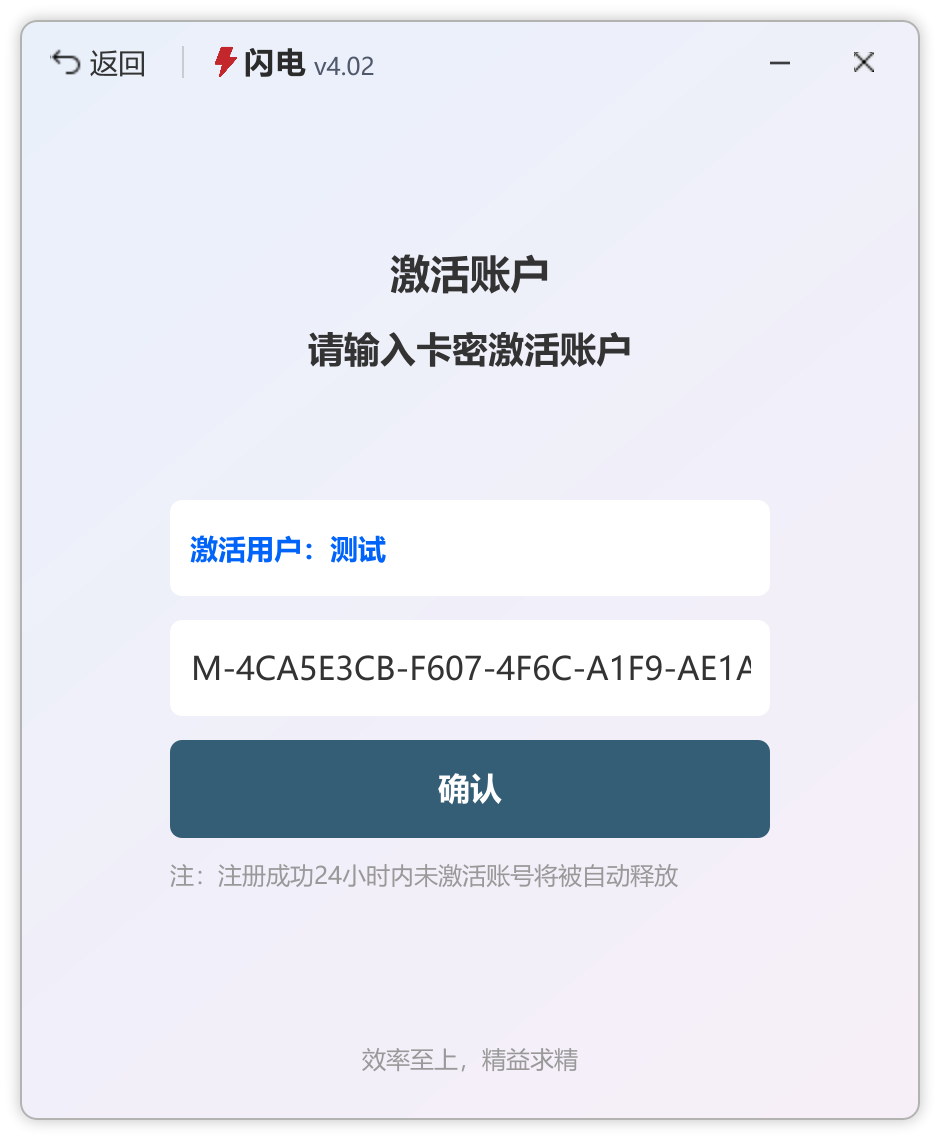
You will be redirected to the activation page (Image 2).
Enter the activation key (card code) you purchased and click confirm to activate your account (Image 3).
⚙️ How to Use
🌍 Configure Target Website
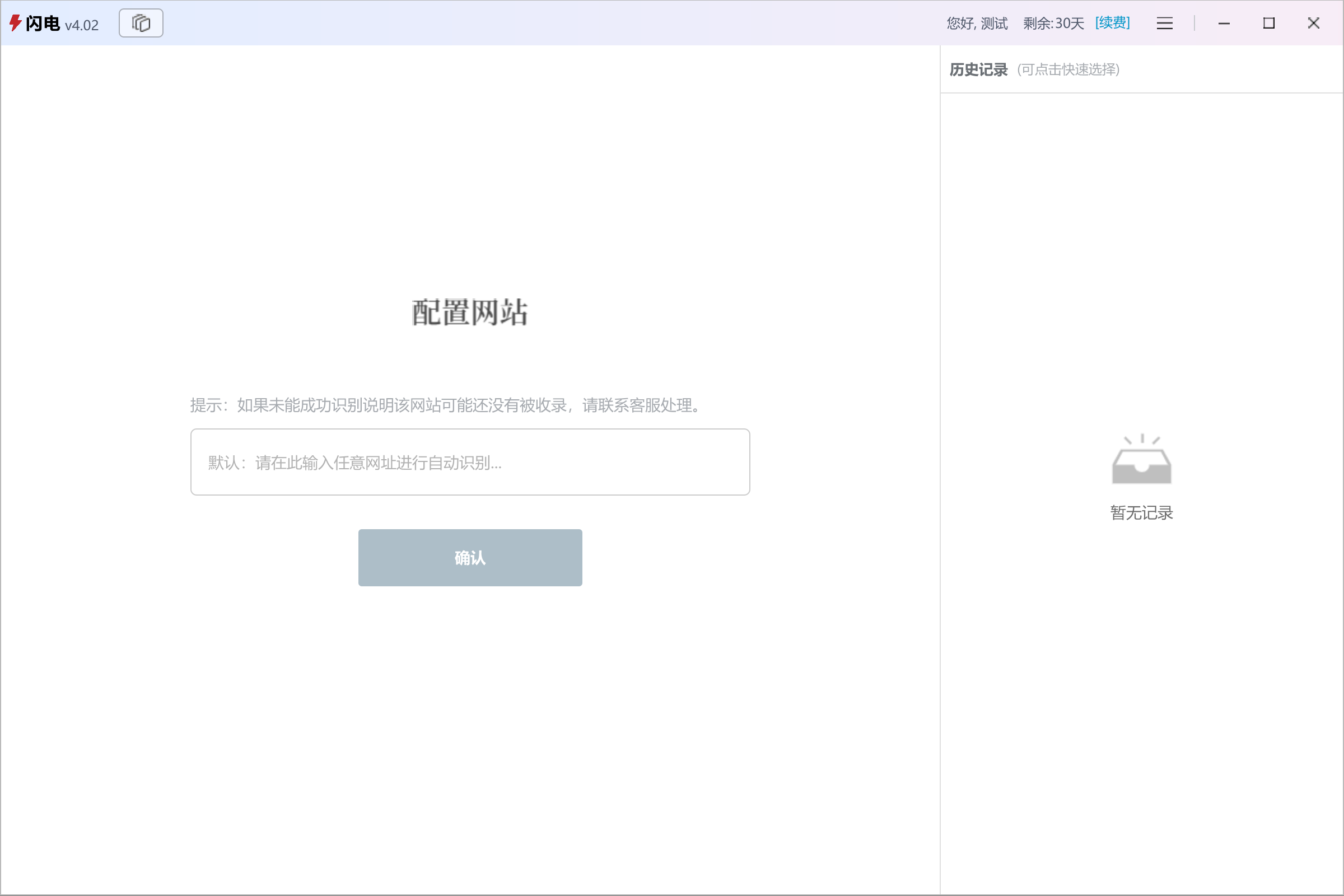
When logging in for the first time, the system will prompt you to configure a target website (Image 1).
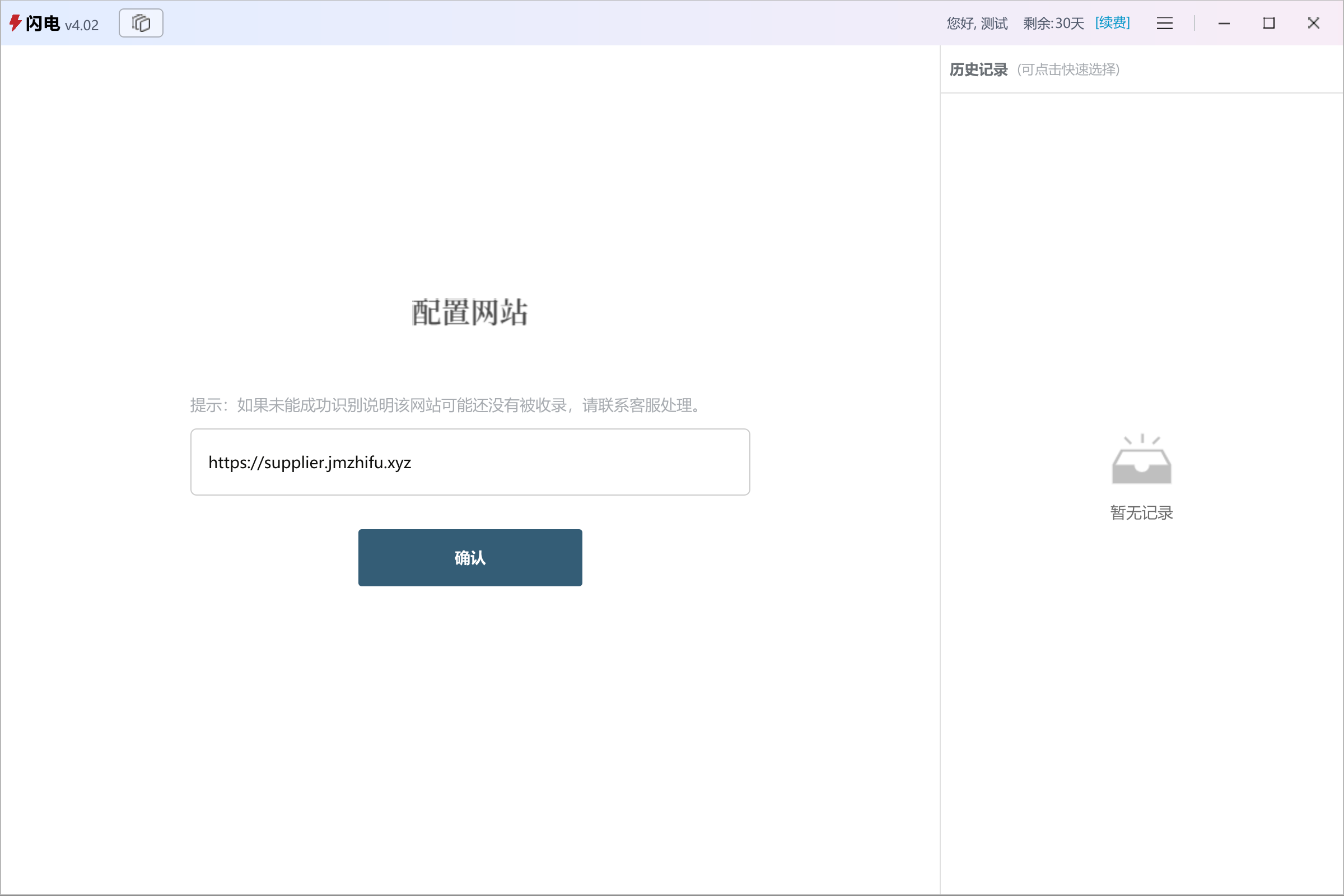
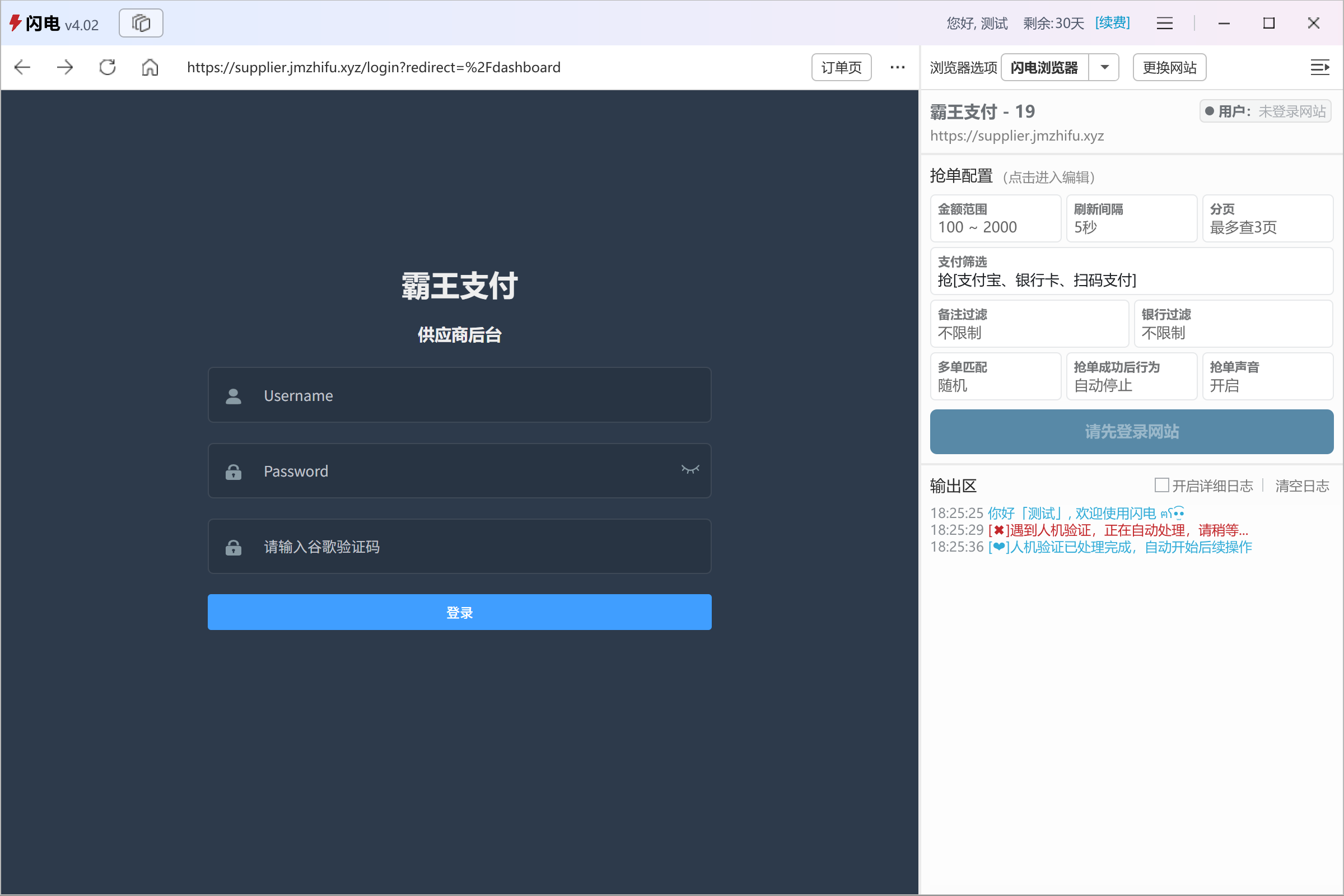
Enter the website you want to use and confirm (Image 2), then you will be taken to the order‑grabbing dashboard (Image 3).
▶️ Start Grabbing Orders
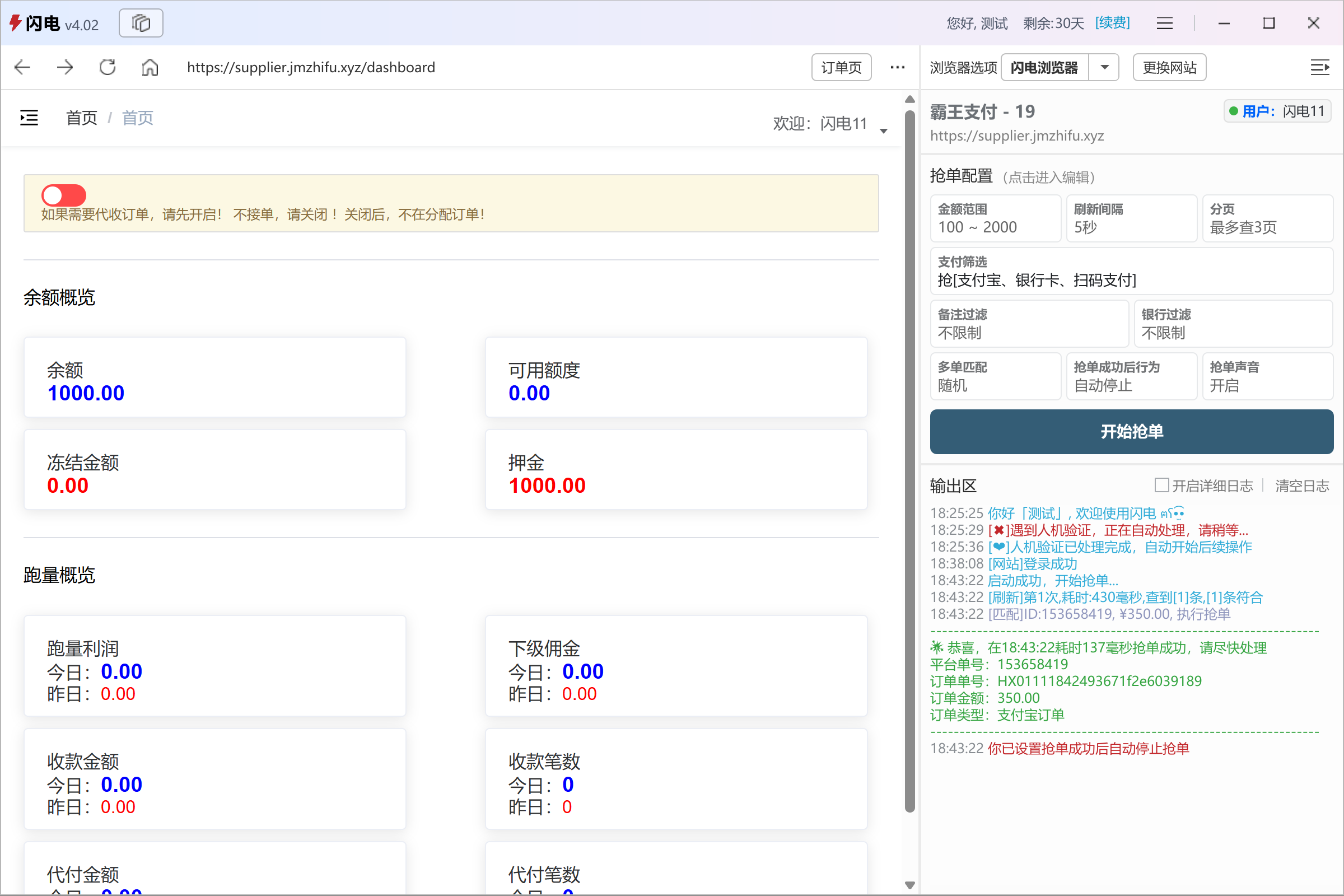
Log in to your target website using the built‑in ShanDian browser.
Once logged in, ShanDian will automatically capture your Cookie information, and the log panel will show “Website login successful”.
If no advanced configuration is needed, simply click “Start Grabbing” to begin using the default settings 🚀
📹 Video Tutorial
📚 More Features
- 📘 Order grabbing configuration 👉 [/en/advanced/order_grabbing_configuration]
- 🔄 Switch target website 👉 [/en/advanced/change_website]
- 🌐 Use external browser 👉 [/en/advanced/external_browser]
- 👥 Multiple instances / accounts 👉 [/en/advanced/multiple_instance]