🌐 External Browser
🔁 Switch to System Browser
If you prefer using your own browser (Chrome, Edge, Firefox, etc.), ShanDian allows you to switch with one click.
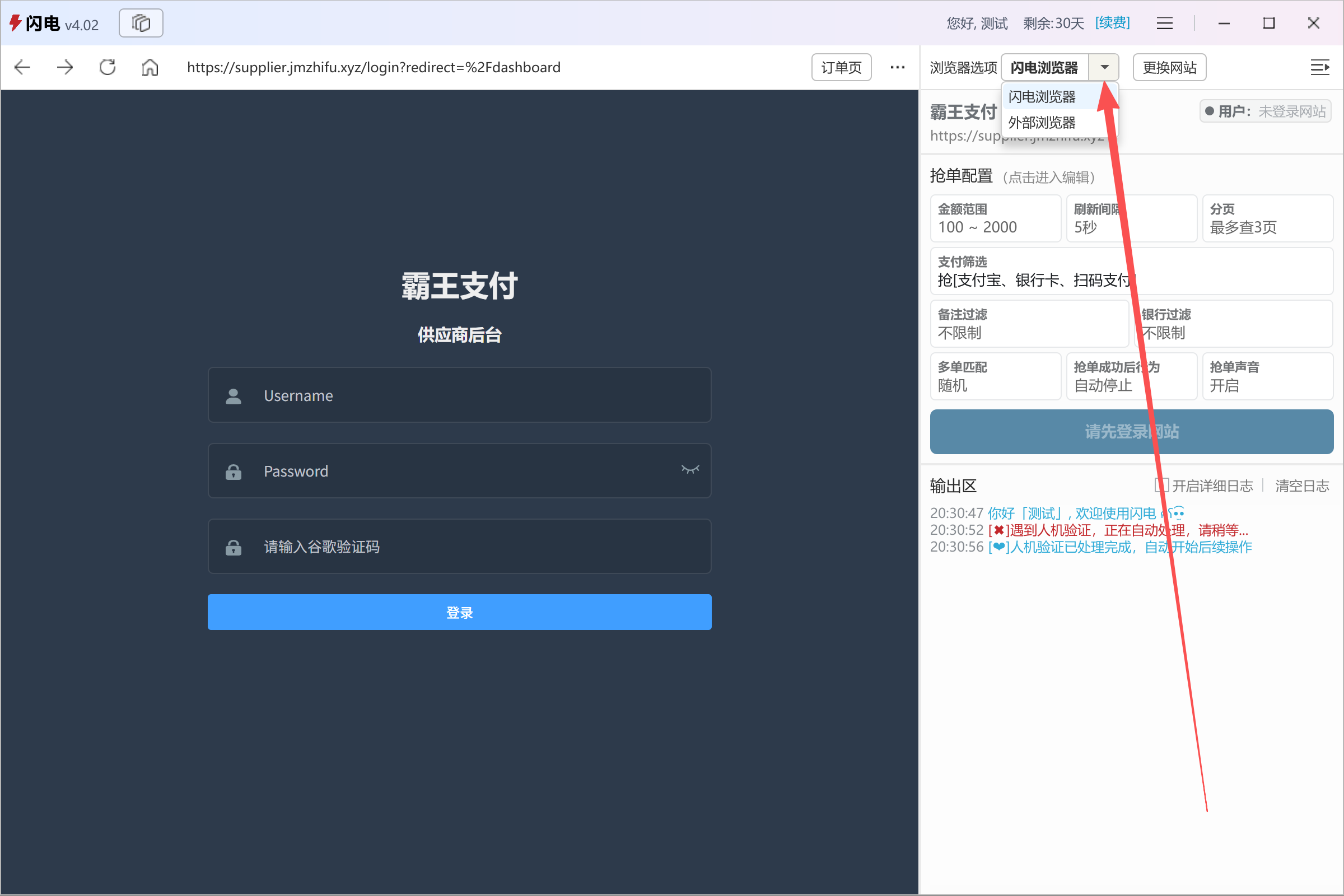
On the right side of the dashboard, locate Browser Options → ShanDian Browser, then click the dropdown arrow (Image 1) and select External Browser.
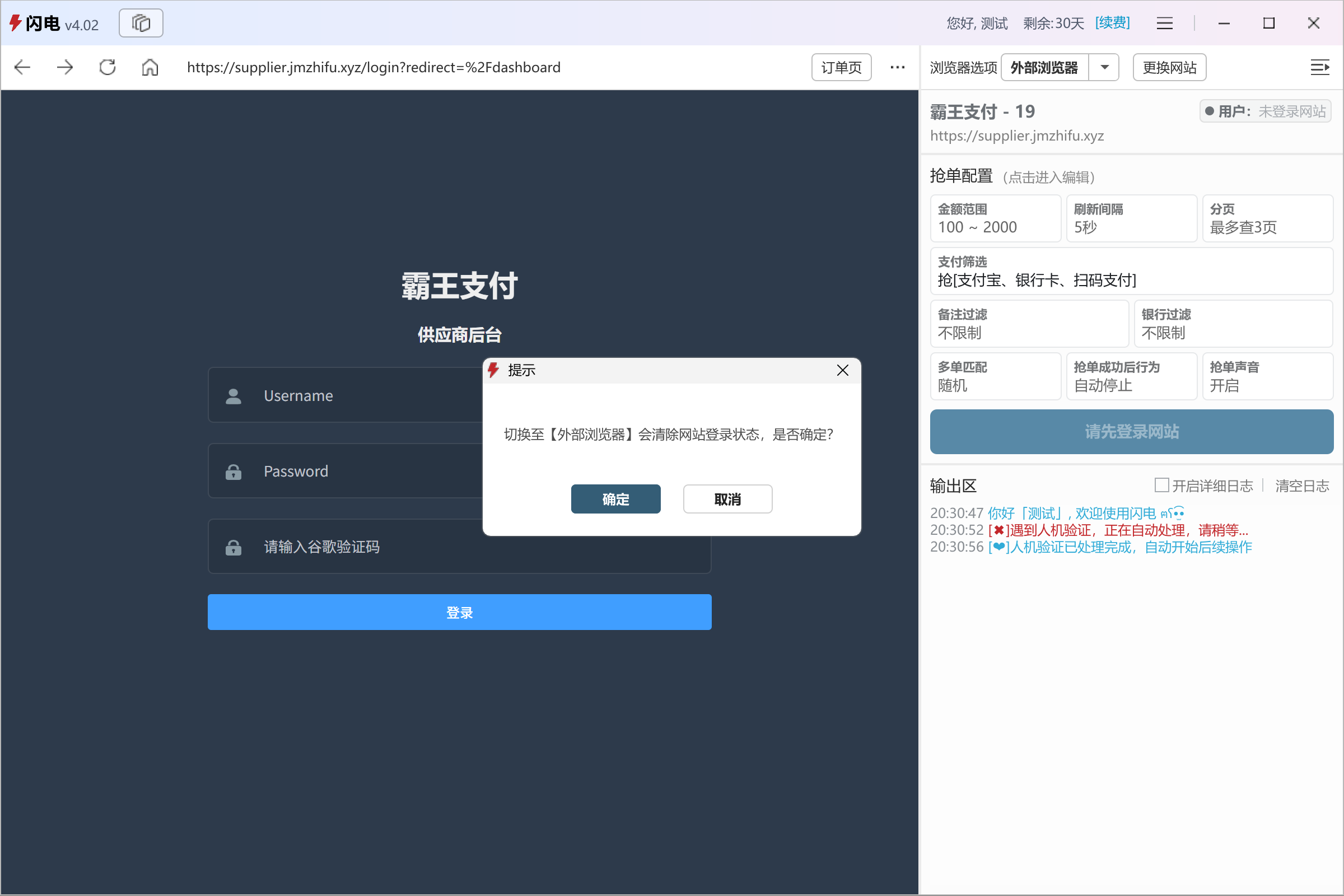
A confirmation dialog will appear: Switching to an external browser will clear the current login session. Continue? (Image 2).
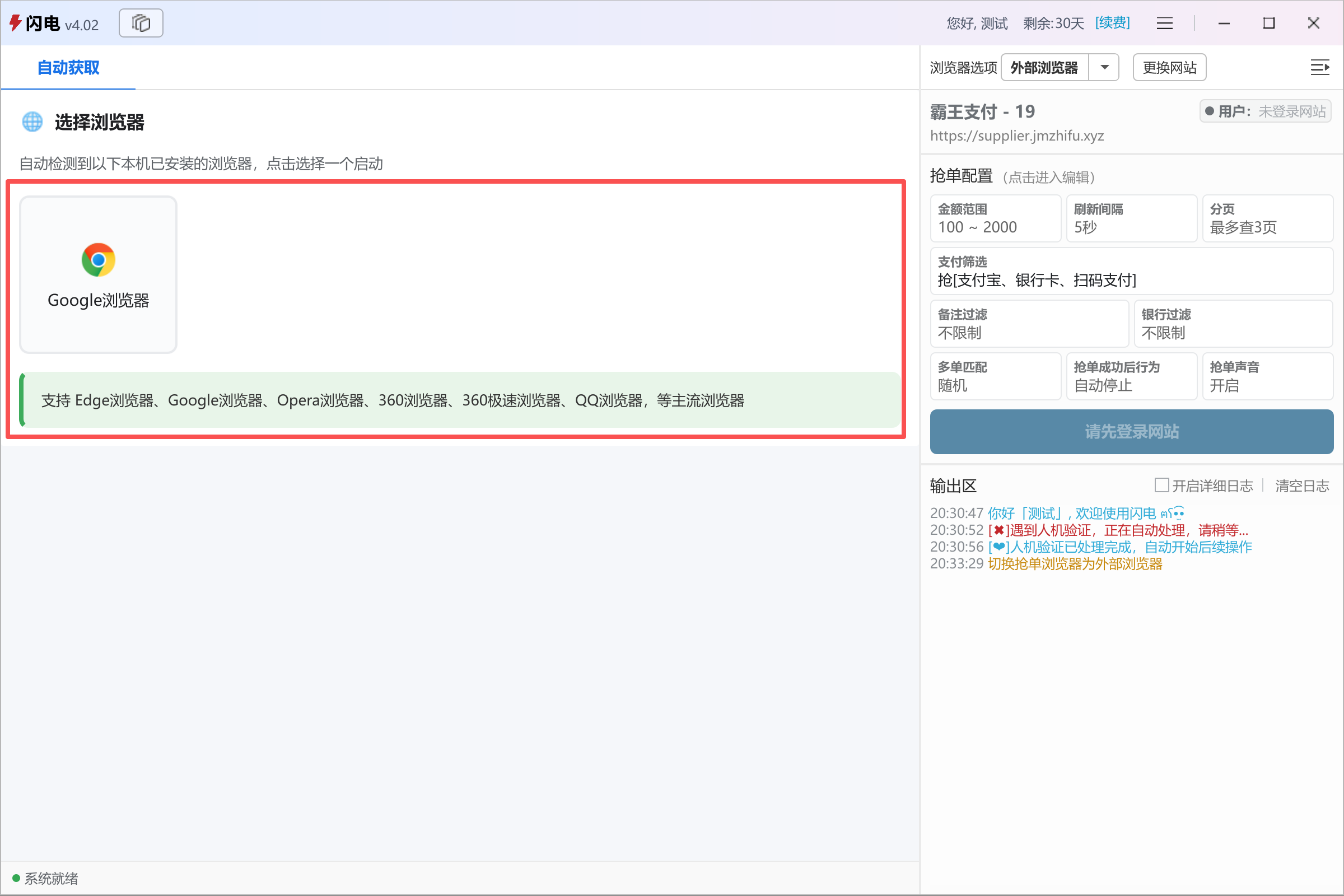
After confirmation, ShanDian will detect all browsers installed on your system (Image 3).
Select your preferred browser, and ShanDian will launch it. You can then log in and continue all operations normally.
👉 For next steps, see: Quick Start
💡 Tips
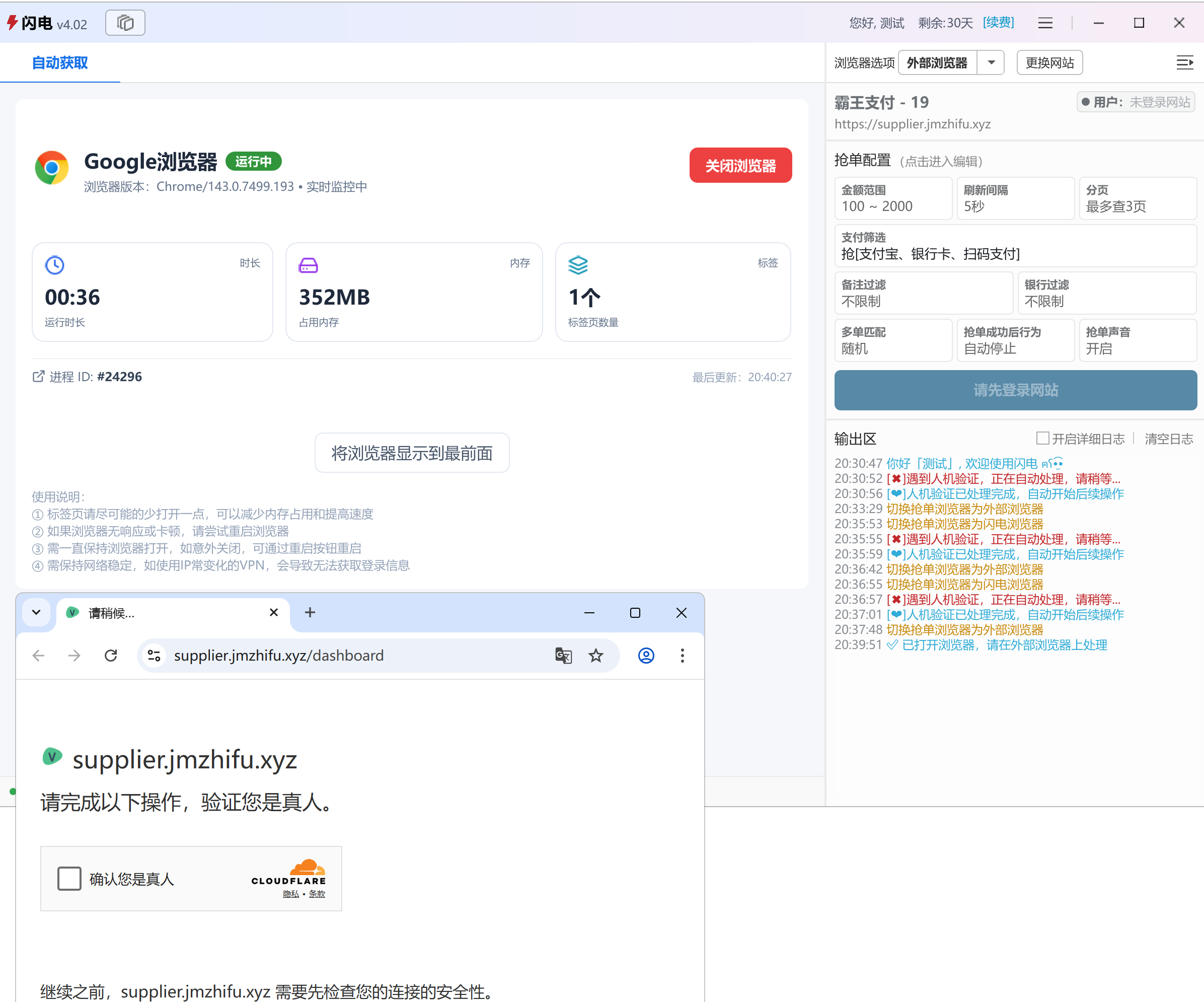
- Keep the number of tabs low to reduce memory usage
- Monitor memory consumption in real time (Image 4)
- You can switch back to the built-in browser from the same menu